
By Chona · Published August 24, 2026
Most local restaurants are handing customers a menu with faded photos, inconsistent fonts, and prices crossed out in pen. The owner knows it looks bad. They just don’t have a designer — or the $800 an agency charges to fix it.
That’s your opening. With Canva and ChatGPT, you can deliver a professional menu redesign in 2–4 hours and charge $150–$300 per project. No design degree. No expensive software. No experience required beyond following this guide.
This is a complete playbook: the tools, the steps, the exact prompts, what to charge, and the first message that gets you a paying client.
Before You Start: A Quick Checklist
- ✅ A free Canva account (free tier is enough to start — more on this below)
- ✅ A free ChatGPT account (free tier works for all prompts in this guide)
- ✅ One sample menu you’ve already built — before you pitch anyone
- ✅ A way to collect payment: Venmo, PayPal, or Zelle
- ✅ 3–5 hours this weekend to build your sample and send first messages
That’s genuinely it. No LLC, no website, no portfolio site. A sample menu on your phone is enough to close a first client.
Tools You Need to Start a Menu and Flyer Design Service with AI
| Tool | What it does here | Free plan | Paid plan | Verdict |
|---|---|---|---|---|
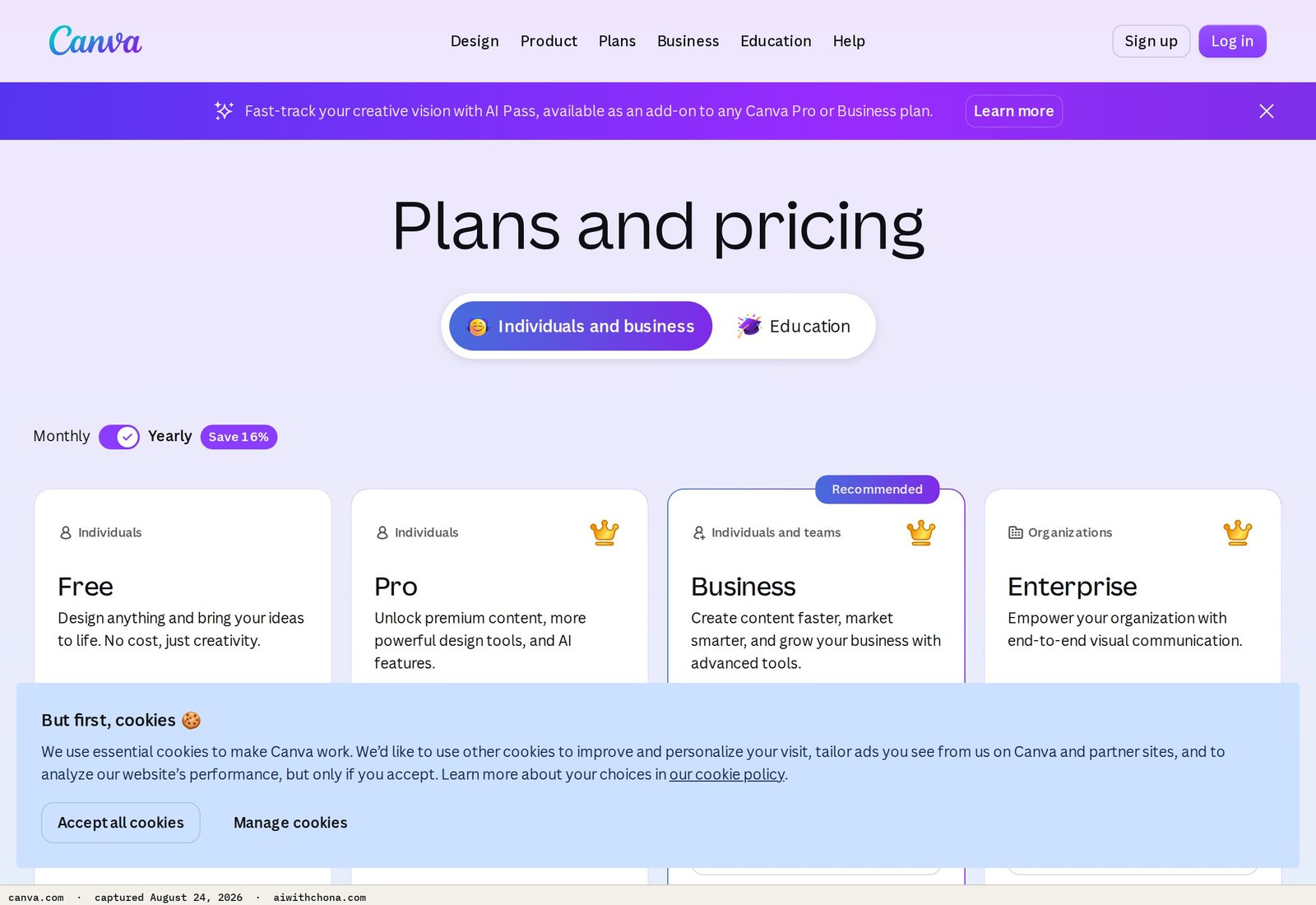
| Canva | Menu and flyer layout, AI background removal, Magic Design templates | Generous — thousands of templates, basic AI tools, PNG/PDF export | Canva Pro starting at $15/mo (billed monthly) — unlocks Brand Kit, premium templates, full Magic Studio AI suite | Start free. Upgrade to Pro once you have 2+ paying clients. |
| ChatGPT | Writing dish descriptions, promo copy, outreach messages | Free access to GPT-4o with usage limits | ChatGPT Plus at $20/mo — higher limits, faster responses | Free tier handles everything in this guide. Skip Plus until you’re at 5+ clients a month. |
| Adobe Firefly | Generating food imagery when clients have no good photos | 25 generative credits/mo free | Firefly Premium starting at $9.99/mo per Adobe’s pricing page | Optional. Only needed if the restaurant has zero usable photos. |
We covered the Canva AI vs. Adobe Firefly comparison in depth in our Canva AI vs Adobe Firefly for Non-Designers: Honest Pick guide if you want to dig into the image generation side. For this service, Canva wins on simplicity every time.
Step 1: Build One Sample Menu Before You Pitch Anyone
Your sample is your entire sales pitch. A client won’t hire you based on a verbal description — they need to see something. This step takes 2–3 hours and you only do it once.
- Go to Canva’s restaurant menu templates. Filter by “Menu.” Pick one that feels upscale but not fancy — think clean, modern, easy to read.
- Use a fictional restaurant name (e.g., “Saltgrass Bistro”) so the sample is yours to show freely.
- Open ChatGPT and use the prompt below to generate realistic dish descriptions.
- Paste the descriptions into the Canva template. Swap placeholder photos with Canva’s free food stock photos (search “food” in the Elements panel).
- Change the color palette to match a warm, restaurant-appropriate scheme — deep navy, terracotta, or olive green all read as premium.
- Export as a PDF. That PDF is your portfolio.
What “done” looks like: A 2-page PDF menu with a cover, 4–6 sections (Starters, Mains, Desserts, Drinks), real-looking dish descriptions, at least 3 food photos, and consistent fonts throughout. Two fonts maximum — one for headers, one for body text.
The Exact ChatGPT Prompts to Copy for This Service
These are the three prompts you’ll use for every client project. Copy them as-is and fill in the brackets.
=== PROMPT 1: Generate Dish Descriptions ===

You are a professional menu copywriter for independent restaurants.
Write appetizing, concise descriptions (20–30 words each) for the following dishes at [RESTAURANT NAME], a [CUISINE TYPE, e.g. Italian, Mexican, Southern BBQ] restaurant in [CITY, STATE].

Dishes:
[LIST THE DISHES THE OWNER GAVE YOU, one per line]

Tone: warm, inviting, and descriptive — highlight key ingredients and preparation method.
Do not use the words "delicious," "amazing," or "mouth-watering."
Output each dish name in bold, followed by its description on the next line.


=== PROMPT 2: Write a Promo Flyer Headline + Body Copy ===

Write a promotional flyer for [RESTAURANT NAME] in [CITY].
Offer: [e.g., "Happy Hour 4–7pm Monday–Friday, $5 drafts and half-price appetizers"]
Audience: local residents and office workers nearby.
Tone: casual, upbeat, and direct.

Output:
- One bold headline (6 words or fewer)
- One supporting subheading (12 words or fewer)
- Three bullet points with the offer details
- One call-to-action sentence (e.g., "Walk in — no reservation needed.")


=== PROMPT 3: Write the Client Outreach Message ===

Write a short, friendly cold outreach message I can send to a local restaurant owner.
Context: I saw their menu recently and noticed [SPECIFIC ISSUE — e.g., "the menu hasn't been updated in a while and the photos are low quality"].
My offer: I redesign printed and digital menus using professional design tools. I can deliver a new design in 48 hours.
Price: $[YOUR PRICE] for a full redesign.

Tone: direct and confident — not salesy. Mention one specific thing I noticed about their restaurant to show I'm paying attention.
Length: 5–7 sentences maximum. End with a yes/no question.
If you’re new to writing prompts, our guide on how to build a simple AI side hustle walks through the basics of structuring requests to get useful output.
Step 2: Set Your Pricing — What to Charge for Menu Design
Here’s the rule that determines your price, and it’s mechanical: charge $150 when the owner hands you all the text and photos. Charge $300 when you write the dish descriptions and source the imagery yourself using AI. The difference is roughly 2 hours of your time, and it’s easy to explain to a client.
| Service | What’s included | Price | Your time |
|---|---|---|---|
| Basic menu redesign | Client provides all text and photos; you design layout | $150 | 2–3 hours |
| Full menu redesign | You write descriptions with AI + source photos + design | $300 | 4–5 hours |
| Promo flyer (single) | One event or offer flyer, print-ready PDF | $75 | 45–60 min |
| Monthly flyer retainer | 2 promo flyers/mo + seasonal menu update | $150–$200/mo | 2–3 hours/mo |
The math on a small month: 2 basic menu redesigns ($300) + 2 promo flyers ($150) = $450 in 8–10 hours of work. One full-service client on a monthly retainer at $175/mo adds another $175 passively. That’s $625 in a month where you only sent 30 outreach messages and landed 4 clients. Realistic for month two or three, not month one.
For a broader look at how to price AI services in 2026, the real 2026 AI service rates guide gives context for where menu design sits relative to other services.
Step 3: How to Get Your First Local Restaurant Client
Walk-ins beat cold emails for this service — by a lot. Restaurant owners are busy during service, but most are available between 2pm and 4pm on weekdays. That’s your window.
- Pick 5 restaurants within driving distance. Target independents, not chains. Look for ones with a menu posted on the door or window — if it’s faded, laminated over pen edits, or has a bad stock-photo border, it’s a candidate.
- Take a photo of their current menu before you walk in. You’ll reference it in your pitch.
- Walk in between 2–4pm and ask for the owner or manager. Say: “Hi, I’m a local designer — I specialize in menus and promotional materials for restaurants. I noticed your current menu and I think I can make it look sharper. I have a sample I’d love to show you — takes 30 seconds.” Then show the PDF on your phone.
- If they say yes, ask one question: “Do you have the text and photos already, or would you need me to handle that too?” Their answer sets your price ($150 or $300).
- Collect 50% upfront before you start. $75 or $150 depending on the project. Non-negotiable — this filters serious clients from browsers.
If you’re not comfortable walking in yet, use ChatGPT Prompt 3 above to write a direct message and send it via the restaurant’s Facebook page or Instagram DM. Response rates are lower (expect 5–10% for DMs vs. 30–40% for in-person), but it’s a real option if you’re starting remotely.
- Walk-ins between 2–4pm weekdays
- Showing the sample on your phone immediately
- Referencing something specific about their current menu
- Asking for 50% upfront before starting
- Emailing generic pitches with no sample attached
- Pitching during lunch or dinner rush
- Starting work before collecting a deposit
- Using 4+ fonts in your sample (looks amateur)
Step 4: Deliver the Project — The Actual Workflow
- Client intake (15 min): Get their current menu (photo is fine), their logo file if they have one, and any specific colors or fonts they want to keep. If they don’t have a logo, skip it — offer to add a simple text logo for $50 extra.
- Run ChatGPT Prompt 1 to generate dish descriptions if you’re writing copy. Paste the dish names the owner gave you. Edit the output — AI descriptions occasionally sound slightly generic, so personalize 1–2 per section with a detail the owner mentioned (e.g., “made from Grandma Rosa’s recipe” if they said that).
- Open Canva, choose a template, and replace placeholder text with the actual content. Use Canva’s Background Remover (free in the web editor) to clean up any photos the client sends. For missing photos, use Canva’s stock library first — it’s extensive and free. Adobe Firefly is a backup if you need a very specific food shot.
- Typography rule: One display font for section headers and the restaurant name. One readable sans-serif for dish names and descriptions. Canva’s pairing suggestions are reliable — use them.
- Export as PDF (Print) at 300 DPI for menus that will be printed. Export as PDF (Standard) for digital use. Send both versions — clients always want both eventually.
- Deliver in 48 hours. That turnaround is part of your pitch and your edge over agencies that take 2 weeks.
Step 5: Turn One Client Into Monthly Income
A one-time menu redesign is a $150–$300 job. A retainer is $150–$200 every month with 2–3 hours of work.
After you deliver the menu, send this message:
Hi [NAME],

Glad you're happy with the menu! A lot of my restaurant clients find it helpful to have someone handle their promo materials on an ongoing basis — things like weekly specials flyers, holiday promotions, or updating the menu when prices or dishes change.

I offer a simple monthly plan: two promo flyers per month plus any minor menu updates for $175/mo. Everything delivered within 48 hours of your request.

Interested? I can start next month whenever you're ready.

[YOUR NAME]
This is a natural upsell — they’ve already seen your work and trusted you once. Expect 30–40% of one-time clients to convert to a retainer if you ask. Most people never ask.
What Goes Wrong — 3 Failure Points and the Fix
1. The sample looks amateur. This is the most common reason the pitch fails. The fix: use only 2 fonts, align everything to a grid (Canva does this automatically with snapping), and don’t crowd the page. White space reads as premium. If your first sample looks cluttered, delete half the elements.
2. You start work without a deposit. Clients who haven’t paid anything will ask for unlimited revisions, ghost you, or decide they don’t want it after all. Collect 50% before opening Canva. The remaining 50% before sending the final file. This is standard freelance practice, and any legitimate client will understand it.
3. You pitch during the wrong hours. Restaurant owners are unavailable during breakfast, lunch, and dinner service. Walk in between 2pm and 4pm. Anything else and you’re an interruption, not a guest.
Realistic First-90-Days Outcome
Most people who follow this playbook land 0–2 clients in their first 30 days. The people who land 2 sent at least 20 outreach messages (walk-ins or DMs) in the first two weeks. The people who land 0 sent fewer than 5 and waited to see results before sending more.
By day 90, a realistic scenario looks like this: 3 one-time clients at an average of $200 each ($600 total) plus 1 monthly retainer client at $175/mo. Your tool costs are $0 on Canva free and $0 on ChatGPT free. Net for the quarter: roughly $775 — not life-changing, but real money from a laptop and a skill you built in a weekend.
The ceiling rises fast once you get referrals. Restaurant owners talk to each other. One happy client in a small downtown area can turn into three within 60 days if you do good work and ask them to mention you.
Frequently Asked Questions
Do I need any design experience to start a menu and flyer design service with AI?
No design background is required. Canva’s templates do the heavy layout work — your job is choosing a good template, dropping in the client’s content, and making small adjustments to colors and fonts. The one skill worth developing quickly is restraint: resist adding too many elements. Clean and simple beats complex and crowded every time, and Canva’s snapping and alignment tools help you get there without training.
Is the Canva free plan actually enough to deliver professional menus?
Yes, for your first several clients. The free plan includes thousands of restaurant templates, PNG and PDF export, basic AI tools like Magic Design, and access to Canva’s stock photo library. The main things behind the Canva Pro paywall ($15/mo billed monthly per Canva’s pricing page) are the Brand Kit (useful once you manage multiple clients’ brand colors), premium templates, and the full Magic Studio suite including one-click background removal on uploaded photos. Upgrade to Pro once you have 2–3 paying clients — it pays for itself in under an hour of work.
What’s the best way to get my first restaurant client if I don’t want to cold walk in?
Instagram and Facebook DMs are the next best option. Find a restaurant’s page, look at their posted menu photos (often blurry or poorly lit), and send a message that references something specific — not a generic pitch. Use ChatGPT Prompt 3 from this guide to write it. Expect a 5–10% response rate on DMs versus 30–40% in person, so you’ll need to send more messages to get the same result. Send at least 30 DMs before deciding the channel doesn’t work.
How do I handle revisions without the project dragging on forever?
State your revision policy before you start: one round of revisions is included in the price. Additional rounds are $35 each. Put this in writing — even a text message counts. Most clients only need one round of changes if you do a thorough intake call upfront and confirm the dish names, pricing, and any must-keep design elements before you open Canva. Skipping the intake is the reason most revision spirals happen.
Can I use AI-generated food images on a client’s printed menu?
Adobe Firefly generates images from a dataset of licensed and public-domain content, which Adobe says makes them commercially safe to use — but the safest approach for printed menus is to use Canva’s stock library first (also commercially licensed) and reserve AI-generated images for cases where no good photo exists. Always disclose to the client that imagery is sourced from a licensed library or generated by AI, not photographed in their kitchen. That transparency protects you and them.
Trading Command Center is a Google Sheets portfolio dashboard plus a small, explicit Python bot on the Alpaca API — paper trading by default, every rule on one screen.
Your Next Step
The fastest move right now: open Canva, pick a restaurant menu template, and build your sample using ChatGPT Prompt 1 from this guide. That sample is your whole business. Once it exists, every other step in this playbook gets easier.
If you want a broader foundation for running AI service businesses from scratch, the free AI Quick-Start guide at the bottom of this page covers the core setup every beginner needs before landing a first client.
Grab the free AI Quick-Start guide — the exact tools and first steps that actually work, no fluff. Straight to you.